

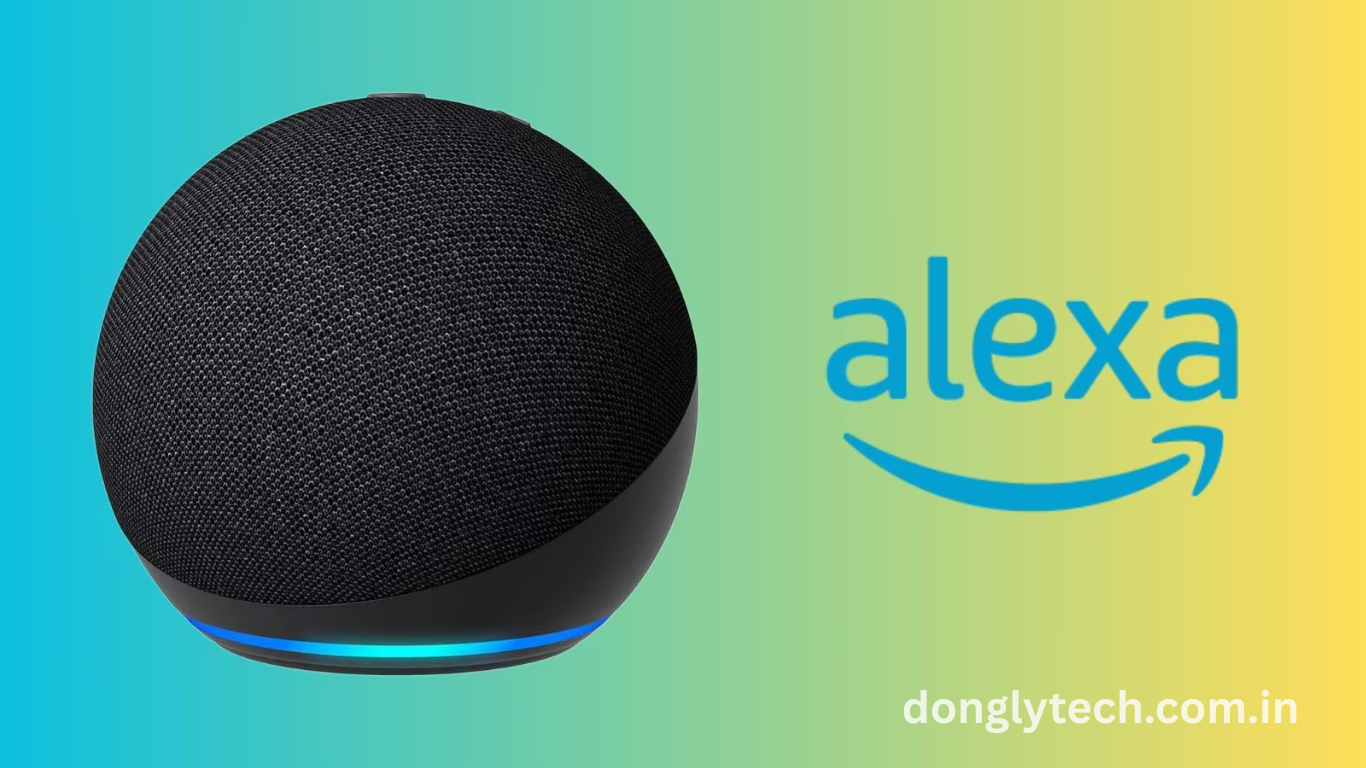
In a significant leap forward for voice-controlled entertainment, Amazon Alexa+ now allows users to seamlessly interact with Prime Video and Fire TV to skip directly to specific scenes in movies and shows. This integration bridges the gap between AI-powered voice assistants and content streaming platforms, offering a smoother, more innovative, and more intuitive viewing experience.
Imagine wanting to rewatch your favorite action scene or skip to a romantic moment in a film—all by simply asking Alexa. With this new feature, Amazon combines the power of natural language processing and content metadata to create a more personalized and responsive home theater system. As smart homes become the norm, innovations like these showcase how AI is transforming everyday entertainment habits.
How Alexa+ Integrates With Prime Video and Fire TV
Alexa+ now works as a content navigator within Prime Video and Fire TV. Using voice commands, users can say things like “Jump to the car chase” or “Show me the scene with the proposal.” This integration relies on AI analyzing scene metadata and context within the movie to execute accurate jumps.
The Technology Behind Scene Recognition
Scene-jumping with Alexa+ is made possible through advanced natural language processing (NLP) and scene-tagging technologies. Amazon uses machine learning to analyze scripts, subtitles, and video metadata to create an index of scenes, which allows Alexa to pinpoint exact moments.
Enhancing User Experience With Natural Commands
One of the standout features of Alexa+ is its ability to understand natural, conversational language. Instead of rigid, structured commands, users can speak casually, and Alexa interprets intent effectively. This significantly enhances user engagement and accessibility.
Compatibility Across Devices and Platforms
This feature is available on a range of Amazon devices, including Fire TV Stick, Fire TV Cube, and Alexa-enabled smart speakers. It works seamlessly across multiple screen types and can sync with household profiles, adjusting preferences accordingly.
Content Availability and Limitations
Not every Prime Video title currently supports scene-jumping. Amazon is gradually rolling out the feature for its most popular and recent titles. Over time, more content will be indexed and accessible using Alexa voice commands.
Read More : Murena now sells a ‘deGoogled’ Pixel Tablet
Privacy and Data Handling in Voice Navigation
With Alexa+ handling more specific content requests, Amazon reassures users that privacy remains a priority. All voice interactions are encrypted and processed according to strict security protocols. Users can also manage and delete voice data through their Amazon accounts.
Use Cases That Make Scene-Jumping Valuable
Scene-jumping is particularly useful in educational contexts, rewatching complex storylines, skipping unwanted parts, or just jumping to the best moments during a rewatch. It adds convenience and personal control to the viewing experience.
How to Use the Feature Effectively
To get started, users must ensure their Alexa+ and Fire TV devices are updated. Commands like “Alexa, jump to the climax” or “Go to the courtroom scene” can be spoken during playback. Alexa will then scan the indexed scenes and skip to the matched moment.
Impact on the Future of Smart Entertainment
This innovation represents a trend toward more immersive and intelligent entertainment systems. As Alexa+ continues to evolve, we can expect even deeper integration, such as emotional scene recognition or syncing scenes with bright lighting.
Frequently Asked Questions
What is Alexa+ scene-jumping? It’s a feature that lets Alexa skip to specific scenes in movies on Prime Video using voice commands.
Which devices support this feature?
Alexa-enabled devices like Fire TV Stick, Fire TV Cube, and Echo smart speakers with screen compatibility support it.
Do all movies on Prime Video work with scene-jumping?
No, only select movies and shows with metadata support currently work, but Amazon plans to expand this.
How does Alexa understand which scene to jump to?
Alexa uses AI to analyze subtitles, scripts, and metadata to identify scene descriptions and match voice requests.
Is the feature available globally?
As of now, it is available in select regions and will roll out to more areas over time.
Can I use custom phrases to jump to scenes?
Yes, Alexa understands conversational phrases like “show me the funny part” or “take me to the ending.”
Is voice data stored or shared?
Voice data is encrypted, and users have full control over viewing, deleting, or managing their voice history in settings.
How do I enable scene-jumping on my device?
Ensure your Alexa app and Fire TV firmware are updated, then simply speak scene-related commands during playback.
Conclusion
Amazon Alexa+ is transforming how users engage with digital content. By enabling voice-activated scene-jumping in Prime Video and Fire TV, Amazon is setting a new standard for convenience, interactivity, and AI-powered entertainment. Update your devices and try it out to experience a more innovative way to watch.